
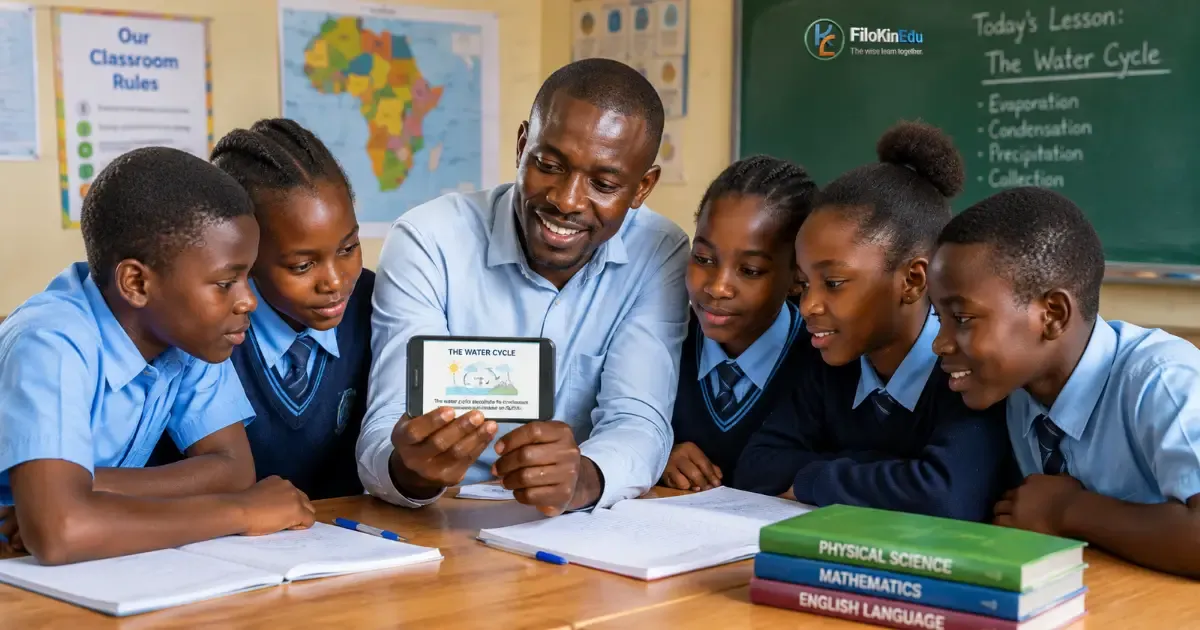
📱 How Teachers in Africa Can Use Technology in the Classroom (Practical Guide 2026)
Technology is changing the way students learn and teachers deliver lessons. Across Africa, schools are increasingly using smartphones, computers, projectors, digital learning platforms, educational videos, and artificial intelligence (AI) to support teaching and learning.
However, effective educational technology does not necessarily require expensive equipment or a fully equipped computer laboratory. Even a teacher with a smartphone can introduce useful technology into the classroom.
The most important question is not "How much technology does a school have?" but rather:
"How can the technology available be used to improve learning?"
This article explores practical ways teachers across Africa can use technology in the classroom, including approaches suitable for schools with limited resources.
1. Use Smartphones as Learning Tools
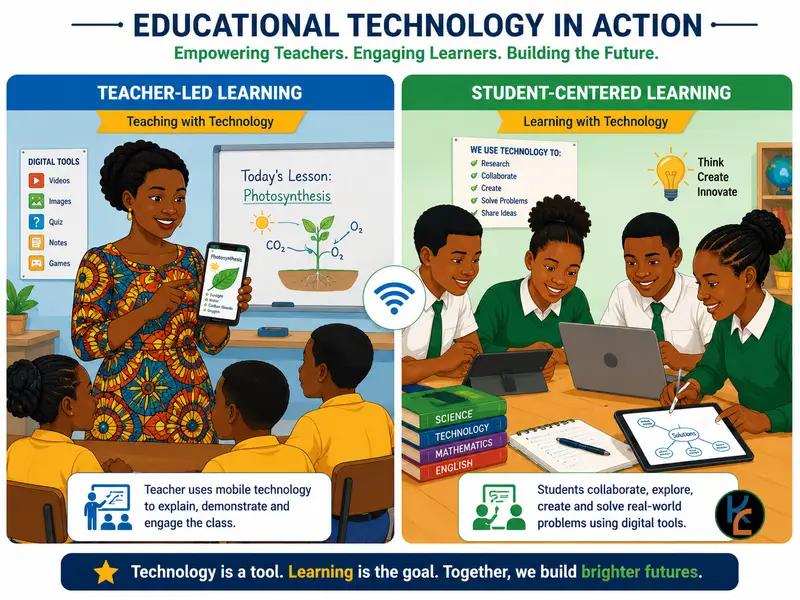
Smartphones are among the most accessible pieces of technology in many African communities. Where school policies permit their use, teachers can turn smartphones into powerful learning tools.
Teachers can use phones to:
- Look up educational information
- Access digital textbooks and notes
- Display diagrams and photographs
- Record short instructional videos
- Use educational applications
- Conduct quick quizzes
- Access dictionaries and reference materials
- Take photographs of students' practical work
- Record experiments or demonstrations
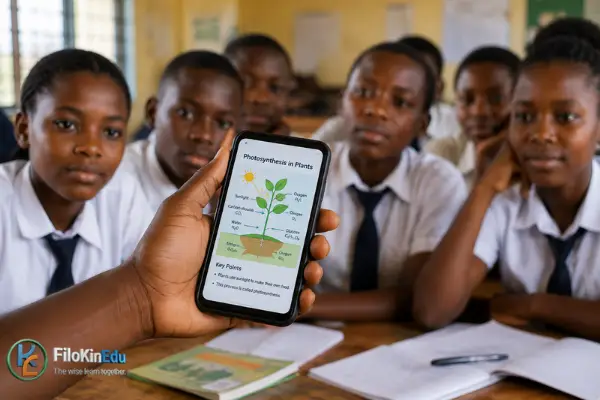
For example: A Biology teacher discussing plant diseases could use photographs to show students different symptoms instead of relying entirely on textbook illustrations.
⚠️ Important: Teachers should establish clear rules so that smartphones remain learning tools rather than distractions.
2. Use Educational Videos
Educational videos can make difficult concepts easier to understand because students can see processes that may be difficult to demonstrate physically.
Examples by subject:
- Physics: A teacher can show a video demonstrating projectile motion
- Biology: Students can watch an animation explaining cell division
- Geography: A video can demonstrate volcanic eruptions or weather systems
- Agriculture: Students can watch demonstrations of farming techniques
- Computer Studies: Students can watch step-by-step demonstrations of software and computer operations
Best practices for using videos:
- Introduce the topic
- Explain what students should look for
- Play a short section (not the entire video at once)
- Pause and discuss important points
- Ask questions
- Give students an activity based on what they watched
Remember: Technology should support teaching, not replace the teacher.
3. Use Projectors and Digital Presentations
Where a school has a projector, teachers can make lessons more visual using presentations, diagrams, photographs, charts, maps and animations.
For example, instead of drawing a complicated diagram on the board, a teacher could project a prepared diagram and explain each component.
Presentations are particularly useful for:
- Science diagrams
- Historical timelines
- Maps
- Mathematical graphs
- Business concepts
- Statistical data
- Language lessons
- Career guidance
⚠️ Avoid: Filling presentations with large amounts of text. A good presentation should support the teacher's explanation rather than become a digital textbook projected onto a wall.
4. Use Offline Digital Resources
One of the biggest challenges facing many African schools is unreliable or expensive internet access.
Fortunately, technology in education does not always require an internet connection.
Teachers can download resources when internet access is available and use them offline later.
Useful offline resources include:
- PDF textbooks
- Past examination papers
- Revision notes
- Educational videos
- Interactive presentations
- Images and diagrams
- Digital dictionaries
- Educational applications
For example: A teacher could download several Biology videos while connected to Wi-Fi and later use them in a classroom without internet access.
This approach can significantly reduce data costs.
5. Use Digital Examination and Quiz Tools
Technology can make assessment faster and more engaging.
Teachers can use digital quizzes to test students on:
- Previous lessons
- Definitions
- Formulas
- Vocabulary
- Multiple-choice questions
- General knowledge
- Examination preparation
If internet access is available, online quiz platforms can provide immediate feedback.
But digital assessment doesn't always require sophisticated platforms.
A teacher can prepare questions in a presentation, display them using a projector, and allow students to answer individually or in groups.
6. Use Technology to Teach Mathematics and Science
Technology is particularly useful for subjects involving abstract concepts.
Mathematics teachers can use digital tools to demonstrate:
- Graphs
- Geometry
- Functions
- Statistics
- Probability
- Algebraic relationships
Science teachers can use:
- Simulations
- Animations
- Videos to demonstrate processes that may be difficult or dangerous to reproduce in a classroom
For example: A chemistry teacher might use an animation to explain how particles behave during a chemical reaction.
This allows students to visualize concepts rather than simply memorize definitions.
7. Introduce Educational Artificial Intelligence
Artificial intelligence is becoming increasingly important in education.
Teachers can use AI tools to assist with:
- Generating practice questions
- Creating lesson ideas
- Developing classroom activities
- Simplifying difficult explanations
- Preparing revision exercises
- Creating examples for different ability levels
- Brainstorming project ideas
- Preparing discussion questions
For example: A teacher teaching electricity could ask an AI tool to generate ten practice questions at different difficulty levels.
⚠️ Important: Teachers should not blindly copy AI-generated material. AI can produce incorrect or misleading information. Teachers should review and verify content before giving it to students.
AI should be treated as a teaching assistant, not as a replacement for professional teachers.
8. Support Students With Different Learning Needs
Technology can help teachers accommodate students with different learning abilities.
For example:
- Videos can help visual learners
- Audio recordings can support students who benefit from listening
- Interactive exercises can provide additional practice
- Digital text can sometimes be enlarged for easier reading
- Recorded lessons can allow students to revisit explanations
This can be especially useful when a classroom contains students who learn at different speeds.
A teacher can provide additional digital resources to students who need more practice while allowing other students to move to more advanced activities.
9. Use Technology for Collaborative Learning
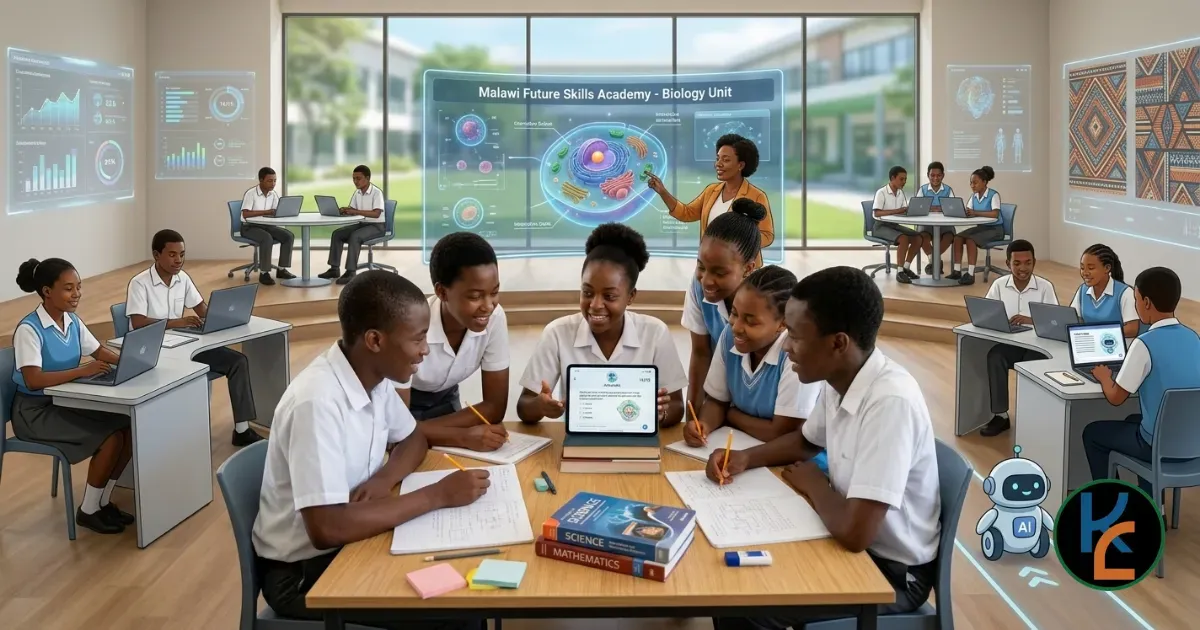
Technology doesn't have to mean students sitting alone staring at screens.
It can actually encourage collaboration.
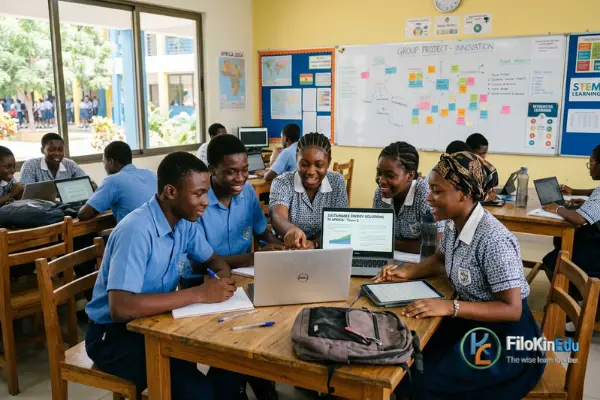
Teachers can organize students into groups and ask them to:
- Research a topic
- Create a presentation
- Produce a digital poster
- Record a short educational video
- Analyse information
- Prepare a group report
- Solve a real-world problem
For example: Students studying environmental science could investigate waste management in their local community and create a presentation proposing practical solutions.
This develops both subject knowledge and practical skills.
10. Use Technology to Connect Students With the Outside World
The internet can expose students to information and experiences beyond their immediate environment.
Students can explore:
- Museums
- Universities
- Libraries
- Scientific institutions
- Educational websites
- International learning resources
- Virtual tours
- Educational communities
A student in a rural African school can potentially access learning materials produced by universities and educational organizations around the world.
This can help reduce geographical barriers to knowledge.
11. Create Digital Learning Materials
Teachers don't always have to depend entirely on commercially produced textbooks.
They can create their own digital resources.
For example, a teacher can prepare:
- Lesson notes → PDF
- Revision questions → PDF
- Presentation → PowerPoint
- Short explanation → Video
- Vocabulary → Digital flashcards
- Revision exercise → Online quiz
Over time, a teacher can build a personal digital library that can be reused and improved each year.
12. Use Technology to Communicate With Parents
Where appropriate and permitted by school policies, technology can improve communication between schools and parents.
Teachers or schools can use approved communication channels to share:
- Homework information
- Examination dates
- Important announcements
- Academic progress
- School activities
- Learning resources
⚠️ Important: Schools should establish appropriate privacy and communication policies. Teachers should avoid sharing confidential student information through insecure channels.
What If a School Has Very Limited Technology?
This is one of the most important questions in Africa.
Not every school has:
- A computer laboratory
- Fast internet
- A projector
- Reliable electricity
- Tablets
- Smartboards
That doesn't mean technology cannot be used.
A teacher with only one smartphone can still:
Download → Explain → Display → Demonstrate → Discuss → Assess
For example: A teacher can download an educational video before class and show it to students using a phone, or connect the phone to an available television or projector.
A teacher can also download PDF resources and use them offline.
The goal should be appropriate technology, not necessarily expensive technology.
Challenges of Using Technology in African Classrooms
Although technology offers many opportunities, schools also face significant challenges.
| Challenge | Description |
|---|---|
| 1. Limited internet access | Some communities have slow, expensive or unreliable internet connections |
| 2. Electricity problems | Power interruptions can make technology-dependent lessons difficult |
| 3. Limited devices | There may be fewer computers or smartphones than students |
| 4. Lack of teacher training | Having technology doesn't automatically mean teachers know how to use it effectively |
| 5. Cost | Devices, internet data, software and maintenance can be expensive |
| 6. Digital distractions | Students can easily become distracted by games, social media and unrelated websites |
| 7. Misinformation | Students may encounter inaccurate information online |
| 8. Privacy and safety | Schools must consider student privacy, cybersecurity and responsible use of digital platforms |
These challenges mean that schools should introduce technology carefully and strategically.
How Schools Can Start
A school does not need to purchase hundreds of computers immediately.
A practical approach:
- Identify available technology
Find out what the school already has - Identify learning problems
Ask: What problem are we trying to solve? - Start small
Choose one or two subjects and introduce technology gradually - Train teachers
Teachers need practical training, not simply access to equipment - Create offline resources
Download useful materials for situations where internet access is unavailable - Evaluate results
Ask whether technology is actually improving student understanding - Expand successful approaches
If a particular approach works, introduce it to additional classes and subjects
Technology Should Support Teachers, Not Replace Them
There is sometimes a misconception that technology will eventually replace teachers.
In reality, effective education requires much more than delivering information.
Teachers:
- Understand their students
- Provide encouragement
- Identify misconceptions
- Manage classrooms
- Explain difficult concepts
- Give feedback
- Develop students' social skills
- Motivate learners
- Provide mentorship
Technology can help teachers perform these roles more effectively, but it cannot replace the human relationship at the heart of education.
Final Thoughts
Technology has enormous potential to improve education across Africa, but successful educational technology does not depend entirely on expensive equipment.
A smartphone, downloaded PDF, educational video, offline application or simple digital presentation can become a valuable teaching tool when used appropriately.
The most effective approach is to:
- Start with the learning objective
- Identify the available technology
- Choose the simplest tool that can help students achieve that objective
For African schools, the future of educational technology may not necessarily be about having the most expensive classrooms.
It may be about making the best possible use of the technology already available.
Technology is most powerful in education when it makes learning more accessible, understandable, practical and engaging.
Frequently Asked Questions
Can teachers use smartphones for teaching?
Yes. Smartphones can be used to access educational resources, display information, record demonstrations, conduct research and support revision, provided their use follows school policies.
Does educational technology require internet access?
No. Many resources can be downloaded and used offline, including PDFs, videos, presentations and some educational applications.
How can teachers use AI in education?
Teachers can use AI to generate practice questions, brainstorm lesson activities, simplify explanations and prepare learning materials. AI-generated information should always be reviewed for accuracy.
What is the biggest challenge to educational technology in Africa?
There is no single challenge. Internet connectivity, electricity, device availability, cost, teacher training and digital literacy can all affect technology adoption.
Does every student need a computer?
No. Technology can also be used collaboratively. A single device can sometimes support an entire group of students when activities are designed appropriately.
📚 Enhance Your Teaching With Free Resources
Ready to integrate technology into your classroom? Access free educational resources, past papers, and study guides to support your teaching journey.
🎓 Join Our Learning Hub
Subscribe to access exclusive teaching resources, tutorials, and educational content.
📥 Free PDF Resources
Download free past papers, study guides, and revision materials for your students.
Start small, stay consistent, and watch your students thrive with technology-enhanced learning!

Sign in securely with Google to join the discussion.