

How to Learn and Revise on FiloKin Edu Learning Hub
Looking for a simple way to learn, revise and practise online? The FiloKin Edu Learning Hub provides free educational resources to help students study beyond the classroom.

Whether you are preparing for PSLCE, JCE or MSCE examinations, revising a difficult topic, or in search of additional learning materials, the FiloKin Edu Learning Hub provides you with lessons and other study resources that you can use from your phone, tablet or computer.
This guide explains how to use FiloKin Edu Learning Hub. From signing in and finding lessons, to studying, watching learning videos, submitting assignments and checking your results.
What Is FiloKin Edu Learning Hub?
FiloKin Edu Learning Hub is an educational platform online intended to provide students with accessible revision and educational resources.
It aims to give students an extra resource to support classroom learning by providing further opportunity for:
- Learning new topics
- Revising topics already studied
- Reading educational lessons
- Watching learning videos
- Completing assignments
- Submitting assignments online
- Checking assignment results
- Downloading available result PDFs
- Studying at his/her own pace
The Learning Hub is accessible on a smartphone, tablet, laptop or desktop computer connected to the internet.
What Do You Need to Use the Learning Hub?
Students do not need expensive equipment to use FiloKin Edu Learning Hub.
You will need:
- A smartphone, tablet, laptop or desktop computer
- An internet connection
- A modern web browser such as Google Chrome or Firefox
- A Google Account for secure sign-in
If you are using a smartphone, ensure you have enough data to access the Learning Hub and a stable internet connection before beginning a lesson or watching a video.
How to Access FiloKin Edu Learning Hub
To begin learning, open your web browser and go to the FiloKin Edu Learning Hub.
Upon accessing the Learning Hub, students can explore the available learning resources and choose a subject or topic that they wish to study.
The Learning Hub may be accessed during:
- Learning new topics
- Revising for a test
- Preparing for examinations
- Reading work taught at school
- Trying to understand a difficult topic
- Practising what has been learned
How to Sign In to FiloKin Edu Learning Hub
The Learning Hub implements Google Account sign-in to provide a secure way for learners to access their learning activities.
When asked to sign in, select the option to Sign in with Google and follow the instructions provided.
Important: You Do Not Need a Separate FiloKin Edu Password
You do not need to create or remember a separate FiloKin Edu username and password for Learning Hub sign-in. Use your Google Account that the Learning Hub asks for sign-in.
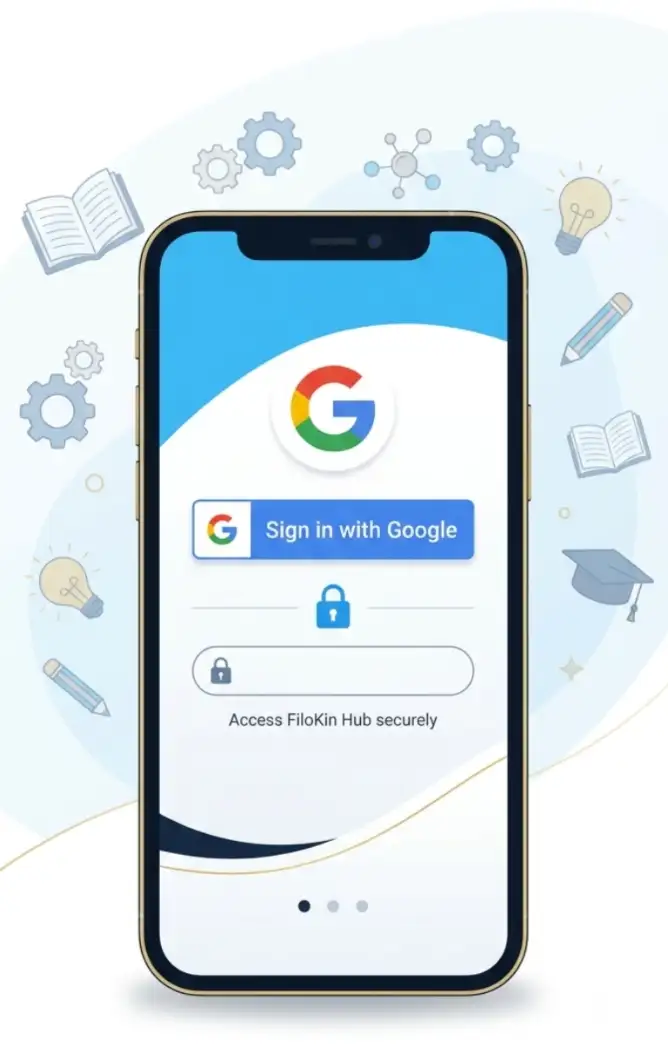
For your security, never share your Google Account password with another person.
How to Choose a Lesson
After accessing the Learning Hub, select the lesson or topic you want to study.
If you are currently learning the topic at school, you can use the Learning Hub as further study material. If you are preparing for an examination, you can also use lessons to revise topics you have already studied.
When choosing what to study, prioritise topics that:
- You find difficult
- You recently learned at school
- You need to revise
- Are important for your examination
- You need more practice with
How to Study a Lesson Effectively
Opening a lesson is only the beginning. To get the most from the Learning Hub, actively study the material.
Read → Understand → Take notes → Practise → Review
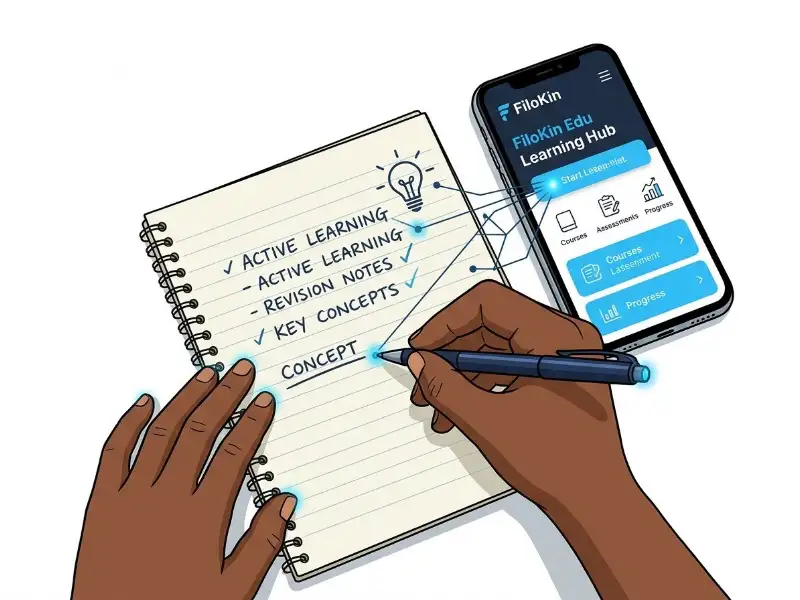
Take short notes and actively study the material to get the most out of your lessons.
1. Read the Lesson Carefully
Start by reading the lesson from the beginning. Do not hurriedly read the material just to finish the page. Pay attention to definitions, explanations, examples and important points.
2. Take Short Notes
Write down the most important information as you study. Your notes can include:
- Definitions
- Key facts
- Formulas
- Examples
- Important terms
- Rules
- Difficult points
Avoid copying everything. Try to summarise the information in your own words.
3. Practise What You Have Learned
After studying a topic, try to answer questions or explain the topic without looking at your notes. If you cannot explain something, return to that part of the lesson and study it again.
4. Review Difficult Areas
Do not be discouraged when you encounter something difficult. Read the explanation again, review your notes and use the accompanying video where available. Sometimes a concept becomes clearer after seeing it explained in a new way.
Watch the FiloKin Edu Learning Hub Tutorial
To help learners understand how to use the platform, FiloKin Edu has also prepared a step-by-step video tutorial.
The video demonstrates how to access and use the Learning Hub and guides learners through important features.
🎥 Watch the Tutorial
If you are reading this article on a phone, you can watch the tutorial and follow the steps on your own device. For the best learning experience, you can pause the video whenever you need more time to complete a step.
How to Use Learning Videos for Revision
Learning videos can be useful when a written explanation is difficult to understand. Instead of watching from beginning to end, try to study actively.
- Before watching: Read the related lesson first and identify what you want to understand.
- While watching: Pay attention to the explanation. Pause when necessary. Take notes. Replay difficult sections. Follow the demonstrated steps on your own device.
- After watching: Try to remember what you learned without looking at your notes. Ask yourself: What did I learn? Can I explain it to someone else? Which part do I still not understand?
This turns watching a video into an active learning activity, rather than simply entertainment.
How to Use FiloKin Edu Learning Hub for Revision
The Learning Hub can also be used as part of a student's examination revision. Instead of waiting until examinations are close, make revision a regular habit.
For example: Choose a topic → Read the lesson → Watch the video → Make notes → Practise → Review
You can repeat this process for different subjects and topics.
Start With Difficult Topics
Give extra attention to subjects and topics that you find challenging. Do not spend all your revision time studying only topics you already understand.
Revise Regularly
Regular revision can help you remember information for longer. Create a study timetable and divide your available time between different subjects.
Test Yourself
After studying, close your notes and try to answer questions from memory. Testing yourself can help you discover what you know and what you still need to revise.
How to Submit an Assignment
Some Learning Hub activities may include assignments. Before submitting an assignment, carefully read the instructions and make sure you understand what you are required to do. Check your work before submitting it.
Make sure that:
- You have answered all required questions.
- Your answers are complete.
- You have followed the instructions.
- You have corrected obvious mistakes.
- You are submitting the intended work.
Once you are satisfied with your work, follow the instructions in the Learning Hub to submit the assignment.
How to Check Your Assignment Result
After an assignment has been assessed, return to the Learning Hub and sign in using your Google Account. Open the relevant activity or result section to check your result.
Where a result PDF is available, you can download it and keep it for your records. Keeping track of your results can help you monitor your progress and identify areas where you need more practice.
Tips for Effective Online Learning
Using an online learning platform effectively requires discipline. Here are some simple tips to help you get better results.
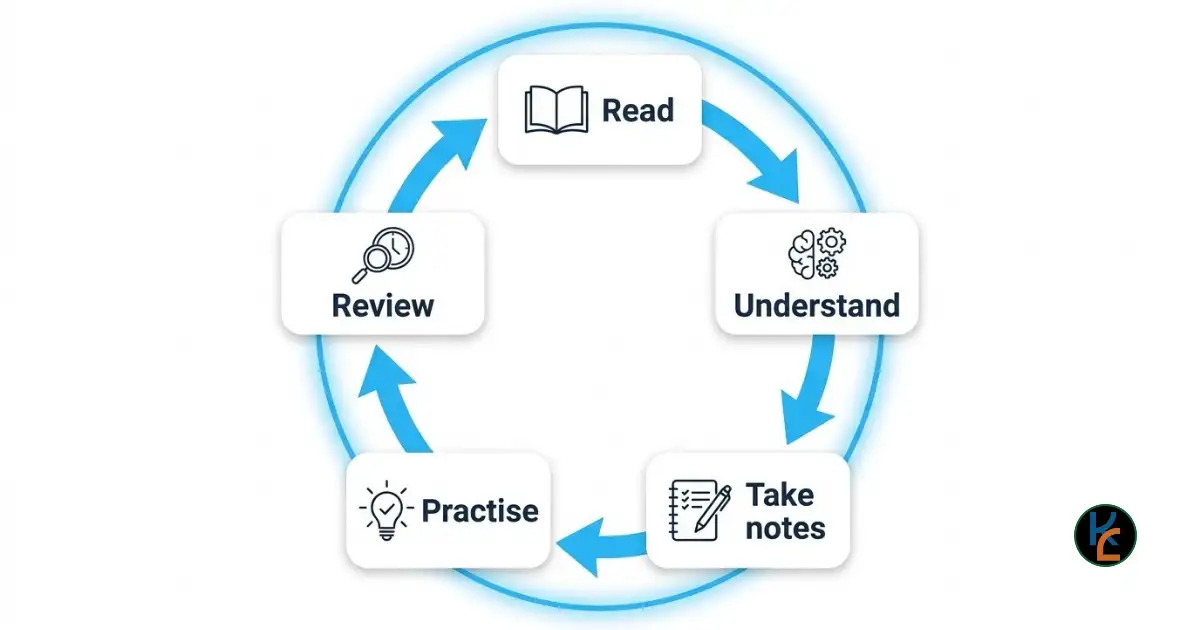
Follow a consistent study cycle to master difficult topics and ace your exams.
- Study in a Quiet Place: Find a place where you can concentrate without unnecessary distractions.
- Set a Goal for Every Study Session: Before you begin, decide what you want to accomplish. For example: "Today I will complete one lesson and revise the main concepts." A clear goal can make your study session more focused.
- Avoid Distractions: If you are using your phone to study, avoid switching unnecessarily between your lesson and social media or entertainment apps.
- Take Short Breaks: Give yourself reasonable breaks during longer study sessions. A short break can help you return to your work with better concentration.
- Ask for Help: If you still do not understand something after studying it several times, ask your teacher, classmate or another knowledgeable person for help. Online learning should complement classroom teaching and other forms of academic support.
FiloKin Edu: Learn, Revise and Succeed
The goal of FiloKin Edu Learning Hub is to make useful educational resources more accessible to learners.
You can use the Learning Hub to support your classroom learning, revise difficult topics, prepare for examinations and develop better study habits.
Whether you are preparing for PSLCE, JCE or MSCE, remember that successful learning requires consistency.
Do not wait until the last minute. Learn a little. Revise regularly. Practise what you learn. Keep improving.
Start Learning Today
Ready to learn or revise? Visit the FiloKin Edu Learning Hub and explore the available learning resources.
Watch the accompanying tutorial above to learn how to use the platform, then start exploring the lessons and activities available to you.
If you find the tutorial helpful, subscribe to the FiloKin Edu YouTube channel for more learning tutorials, educational guides and study resources.
Learn • Revise • Succeed
About FiloKin Edu
FiloKin Edu provides free educational resources intended to support students and teachers.
Our goal is to make learning resources easier to access and encourage learners to study, revise and improve together.
The wise learn together.



Sign in securely with Google to join the discussion.