
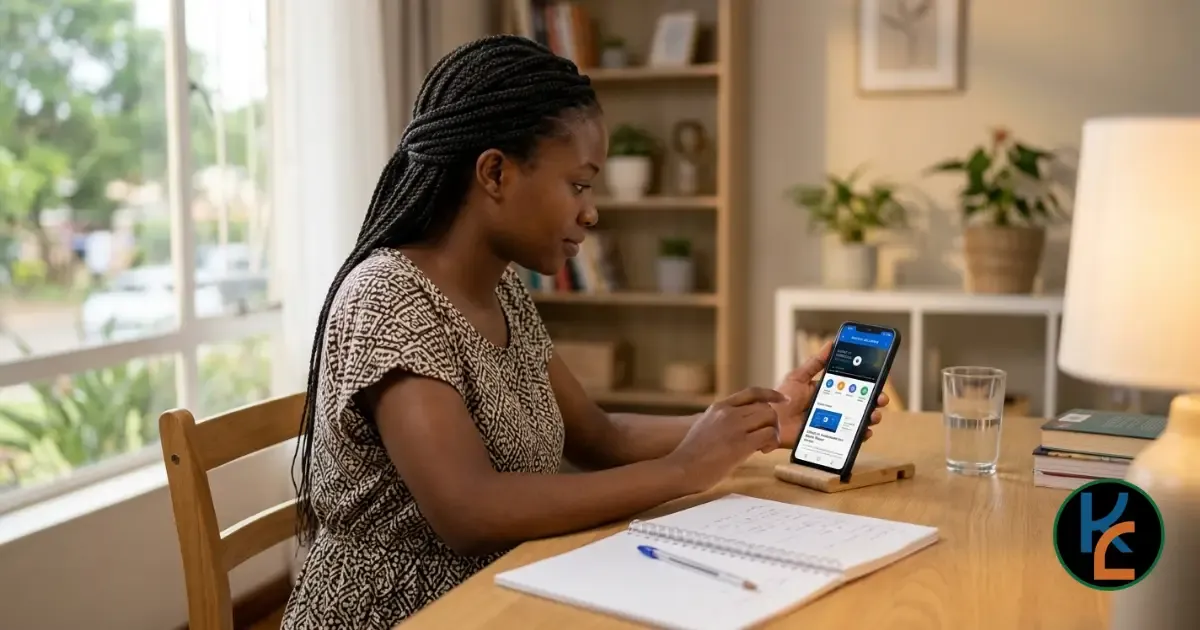
📱 How to Learn Computer Skills Using Only a Smartphone (Complete Guide)
Let’s address the elephant in the room: "I can’t learn computer skills because I don’t have a laptop."
It’s a common belief, but it’s a myth. The device you are holding in your hand right now is more powerful than the computers that sent humans to the moon. Your smartphone is a computer.
For students in Malawi and across Africa, access to a personal laptop isn’t always a reality. But access to a smartphone is. The good news? You can build genuine, employable computer skills using just your phone.
This guide will show you exactly how to turn your smartphone into a powerful learning machine, step by step.
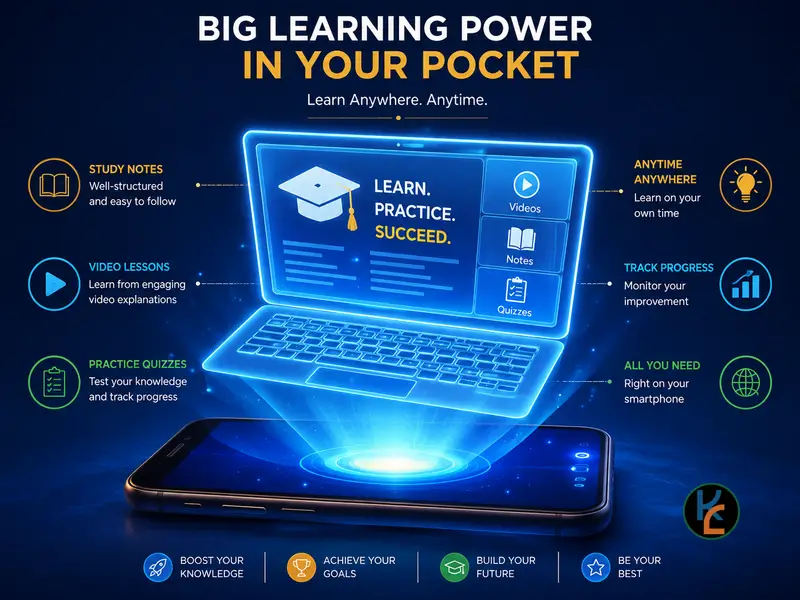
💡 Why Your Smartphone is Enough
Before we dive into the "how," let’s reframe how you see your phone. It has a processor, an operating system (Android or iOS), internet connectivity, and the ability to run complex software.
Whether you are preparing for MSCE, looking for a job, or just want to be more efficient, the core skills of computer literacy—typing, file management, internet research, and basic software use—can all be practiced on a mobile device.
📂 Step 1: Master Mobile File Management
The biggest shock for new computer users is losing files. On a phone, it’s easy to download something and never find it again. Learning to organize your phone is your first computer skill.
What to practice:
- Using your phone’s "File Manager" or "My Files" app.
- Creating folders (e.g., School > Mathematics > Past Papers).
- Moving downloaded PDFs and images into the correct folders.
- Using Google Drive or Dropbox to back up important documents.
Pro Tip: Treat your phone’s storage exactly like a computer’s hard drive. A messy phone leads to a messy workflow.
⌨️ Step 2: Learn to Type and Create Documents
Typing on a glass screen is slow, but it’s a skill you can master. More importantly, you need to learn how to format text, just like you would in Microsoft Word.
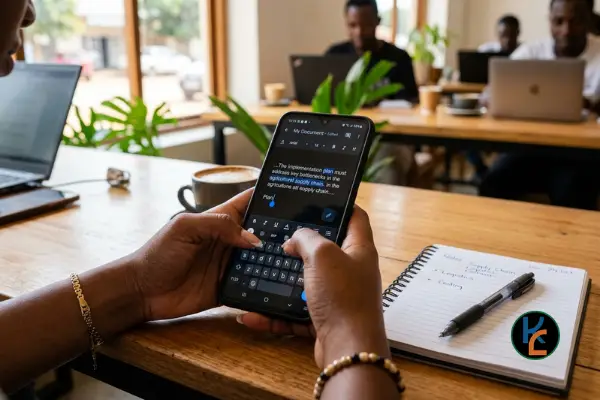
Free apps to download:
- Google Docs: The best free word processor. It saves automatically to the cloud.
- WPS Office: A lightweight, all-in-one app for Word, Excel, and PDF files.
- Gboard (Google Keyboard): Turn on "Glide typing" or "Voice typing" to speed up your workflow.
Practice this: Open Google Docs and type a one-page summary of your favorite subject. Practice making text bold, changing fonts, and creating bullet points.
📊 Step 3: Conquer Spreadsheets on the Go
Many people think Excel is impossible on a phone. It’s not. While you won’t be building massive financial models, you can absolutely learn the basics.
Download Google Sheets and learn how to:
- Enter data into rows and columns.
- Use basic formulas like =SUM() or =AVERAGE().
- Create simple charts or graphs.
This is incredibly useful for managing a personal budget, tracking study hours, or organizing school project data.
🌐 Step 4: Master "Desktop Mode" and Advanced Browsing
Here is the ultimate smartphone hack for learning computer skills: Request Desktop Site.
Many educational websites and platforms (including some parts of FiloKin Edu) are designed for computers. If a site looks broken or limits your features on your phone browser:
- Open Chrome or Firefox on your phone.
- Tap the three dots (menu) in the top corner.
- Check the box that says "Desktop site".
The website will reload to look exactly as it does on a laptop. This allows you to navigate complex menus, access full learning platforms, and use web-based tools that normally block mobile users.

💻 Step 5: Learn Basic Coding or Tech Skills
Want to go beyond basic literacy? You can learn to code entirely on your phone.
Recommended free apps:
- Sololearn: Bite-sized lessons in Python, HTML, JavaScript, and more.
- Mimo: Gamified coding lessons that feel like Duolingo for tech.
- YouTube: Search for "HTML tutorial for beginners mobile" and follow along, pausing to type the code into a free app like Trebedit (for Android).
🛡️ Step 6: Practice Digital Safety
Computer literacy isn’t complete without cybersecurity. Smartphones are prime targets for scams.
Make these habits second nature:
- Use a password manager or strong, unique passwords (not "123456" or your birthday).
- Enable Two-Factor Authentication (2FA) on your Google and social media accounts.
- Never click on suspicious links sent via WhatsApp or SMS, especially those promising free money or "urgent" account updates.
- Only download apps from the official Google Play Store or Apple App Store.
🚀 3 Pro Tips to Level Up Your Mobile Setup
If you are serious about using your phone as a primary learning tool, consider these small investments:
- Buy a cheap Bluetooth keyboard: For under MK 15,000, you can find a small wireless keyboard. Pair it with your phone, and suddenly, you have a mini-laptop. Your typing speed will triple.
- Use a phone stand: Prop your phone up at eye level. It reduces neck strain and makes it easier to glance between your phone and a physical notebook.
- Manage your data wisely: Download PDFs, videos, and course materials when you have access to Wi-Fi (at school, a library, or a friend's house) so you can study offline later.
🎯 Final Thoughts
The barrier to learning computer skills is no longer hardware; it’s mindset.
You don’t need to wait until you can afford a laptop to start building your digital literacy. Start today with the device you already have. Master your file manager, type that document, learn that formula, and browse that website in desktop mode.
Every expert started exactly where you are right now. The only difference is that they started practicing.
📚 Take Your Learning Further with FiloKin Edu
Smartphones are great, but combining them with structured, high-quality resources is the ultimate cheat code for success.
🎓 Join Our Learning Hub
Access structured courses, including our Basic Computer Skills module, designed specifically for mobile learners.
📥 Free PDF Resources
Download free study guides, tech tips, and revision materials to practice with on your phone.
FiloKin Edu — The wise learn together.
Sign in securely with Google to join the discussion.