

How to Renew Your Teacher's Council License Using TNM Mpamba (2026 Guide)
Renewing your Teacher's Council of Malawi (TCM) license just got easier! No more long queues at the bank or TCM offices. With TNM Mpamba, you can renew your teaching license from anywhere, anytime—in just a few minutes.
This step-by-step guide shows you exactly how to use TNM Mpamba to pay your Teacher's Council renewal fees quickly and securely.
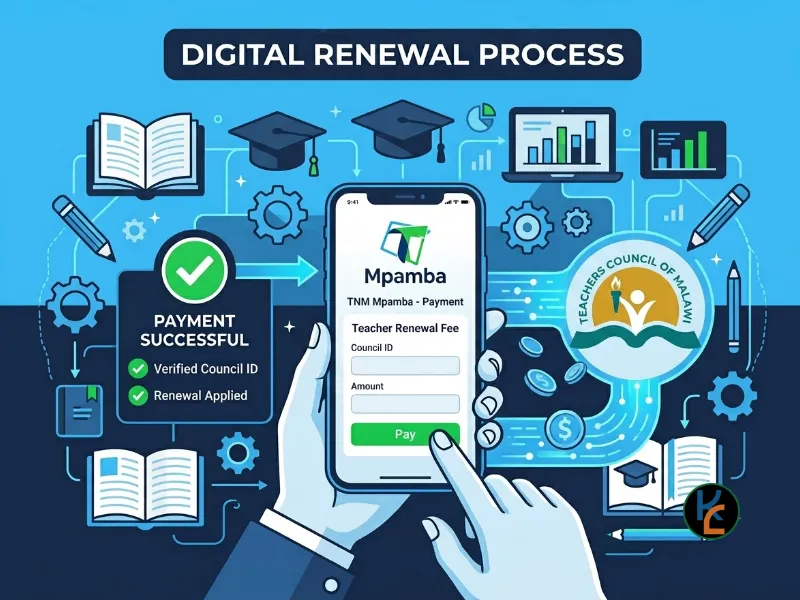
Click here for a video tutorial: https://youtu.be/GRdOnS1SDmE
Subscribe to our YouTube channel @FiloKinEdu
✅ What You'll Need
- Active TNM SIM card registered in your name
- TNM Mpamba registered (USSD *444#)
- Your TCM login credentials (TCM ID and password)
- Enough Mpamba balance for the renewal fee
- Internet connection (to access TCM portal)
💰 Current Teacher's Council Renewal Fees (2026)
Primary School Teacher: MWK 15,000
Secondary School Teacher: MWK 24,000
Note: Fees may change. Always verify current fees on the TCM portal before paying.
Step-by-Step: Renewing via TNM Mpamba
Step 1: Access the TCM Portal
Visit the official Teachers Council of Malawi website: teacherscouncil.mw
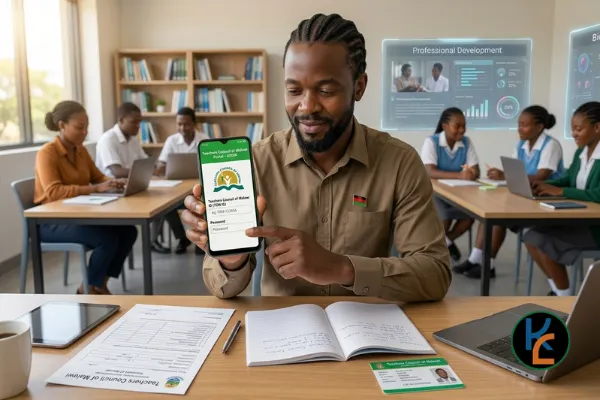
Step 2: Login to Your Account
- Click on "Login" or "Teacher/Student Login"
- Enter your TCM ID
- Enter your Password
- Complete the CAPTCHA
- Click "Login"
Step 3: Navigate to License Renewal
- From your dashboard, go to "Renewals & Subscriptions"
- Click on "License Renewals"
- Find the pending renewal period (e.g., 2026-03-31)
- Click "Add Payment Details"
Step 4: Generate Invoice
- Click "Generate Invoice"
- Review the renewal details
- Confirm the amount based on your category
Step 5: Select Payment Method
- Under "Payment Method", select "TNM Mpamba"
- Click "Submit"
- Your renewal request will be submitted successfully
Step 6: Note Your Invoice Number
You'll receive an invoice with details:
- Invoice Number: (e.g., REN11980726582460)
- Amount to Pay: MWK 15,000 (Primary) or MWK 24,000 (Secondary)
- Payment Status: NOT PAID
IMPORTANT: Save or screenshot this invoice number!
Step 7: Pay via TNM Mpamba
On your TNM phone, dial *444# and follow these steps:
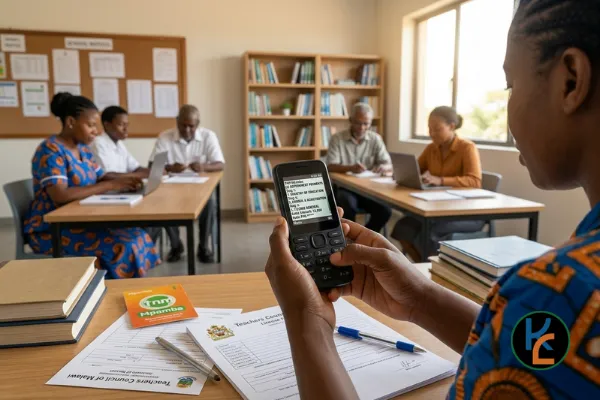
- Select Option 4 - Make Payments
- Select Option 5 - Government Payments
- Select Option 9 - Teachers Council
- Enter Invoice Number (from your TCM invoice)
- Enter Password to confirm your payment
- Confirm payment of the amount shown on your invoice
Step 8: Confirmation
You'll receive:
- SMS confirmation from TNM Mpamba
- Payment confirmation on TCM portal (within 24-48 hours)
SAVE BOTH CONFIRMATIONS - they're your proof of payment!
✅ What to Do After Payment
- Keep the SMS confirmation - Don't delete it!
- Take a screenshot of the confirmation message
- Login to TCM portal after 24-48 hours
- Check your renewal status - should show "Approved"
- Download your e-License if available
- Follow up if status doesn't update within 3 working days
⚠️ Important Tips & Warnings
Security Reminders:
- Never share your TCM password with anyone
- Never share your Mpamba PIN with anyone
- Verify the invoice number before paying
- Keep proof of payment (SMS + screenshot)
- Beware of scams - only use official *444# code
- Don't pay to personal numbers - only official TCM invoice
❓ Common Problems & Solutions
Problem: "Insufficient funds"
Solution: Deposit money into your Mpamba account first by visiting a TNM agent or using bank transfer.
Problem: "Invalid invoice number"
Solution: Double-check the invoice number from your TCM portal. Make sure you're entering it correctly.
Problem: Payment deducted but status still shows "NOT PAID"
Solution:
- Wait 24-48 hours for system update
- Check your SMS inbox (including spam)
- Contact TCM with your transaction reference and invoice number
- Contact TNM customer care if needed
Problem: Can't login to TCM portal
Solution:
- Use "Forgot Password" option
- Contact TCM support for account recovery
- Check your internet connection
Problem: Network issues during payment
Solution: Move to an area with better signal. Don't retry immediately - check if payment went through first to avoid double payment.
📞 Important Contacts
- Teachers Council of Malawi: Visit teacherscouncil.mw for contact details
- TNM Customer Care: Dial 100 or visit TNM shop
- TNM Mpamba Support: Dial *444# and follow prompts
Watch the Video Tutorial
Prefer to watch instead of read? Check out our step-by-step video tutorial: https://youtu.be/GRdOnS1SDmE
💳 Alternative Payment Methods
If you can't use TNM Mpamba, you can also pay via:
- Bank deposit: Visit any major bank with your TCM invoice
- Online banking: Use your bank's online platform
- In-person: Visit TCM offices directly
🎯 Final Thoughts
Renewing your Teacher's Council license via TNM Mpamba is quick, convenient, and secure. Just remember to:
- Verify current fees before paying (Primary: MWK 15,000 | Secondary: MWK 24,000)
- Double-check all details (invoice number, amount)
- Save your confirmation SMS and screenshot
- Follow up if you don't hear back within 48 hours
Got questions? Drop them in the comments below or watch our video tutorial!
📚 More Teacher Resources
At FiloKin Edu, we're committed to supporting Malawian teachers with free resources, tutorials, and professional development materials.
Join Our Learning Hub
Access exclusive teaching resources, professional development courses, and educational content.
📥 Free Teaching Resources
Download free lesson plans, teaching guides, and professional development materials.
FiloKin Edu — The wise learn together.
Sign in securely with Google to join the discussion.